 Documentation
Documentation
Documentation
Create, assign, qualify, and convert leads.
Last updated 31 August 2026
Leads can be created manually, captured from campaigns, or converted from an inbox conversation (chat-to-lead).
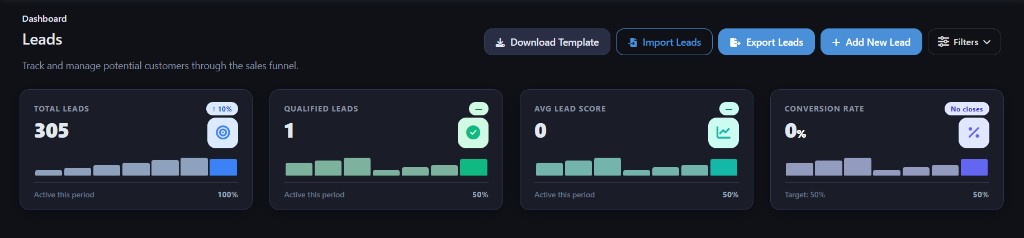
Qualify, assign, and move leads through your process. The Lead Management guide covers assignment and pipeline movement.
Owners can be set on the lead. Inbox threads can also be assigned so the same person owns the conversation and the CRM record.
Confirm the channel is connected, the user has CRM permissions, and you used the product’s convert-to-lead action rather than expecting every message to auto-create a record.
Contact the Smart Business 360 team if you cannot find the right guide.