 Documentation
Documentation
Documentation
Plot allocation, inventory of units, and ownership.
Last updated 31 August 2026
Allocate plots or units from the property inventory. Allocation is the operational step before or during booking.
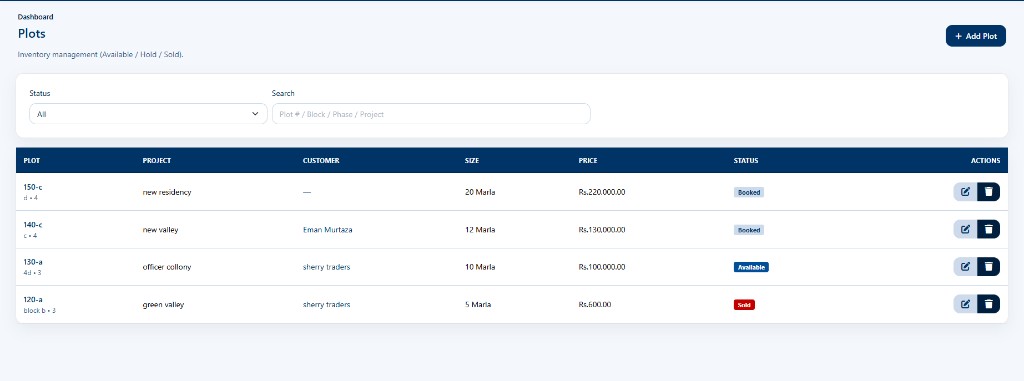
Ownership transfers are part of the real-estate workflow described on the product pages. Complete legal/file steps outside the system if your company requires them, then record the transfer in the product when that feature is used.
Expected result: The operation completes without errors and data reflects your changes.
Use the navigation paths and steps in this article. If a menu is missing, check module entitlements and permissions.
Your role may lack the required permission, or the module may not be enabled for your company. Contact an administrator.
Contact the Smart Business 360 team if you cannot find the right guide.